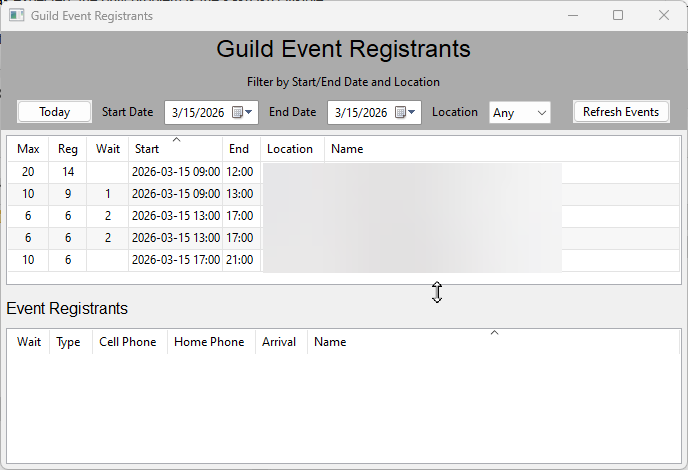
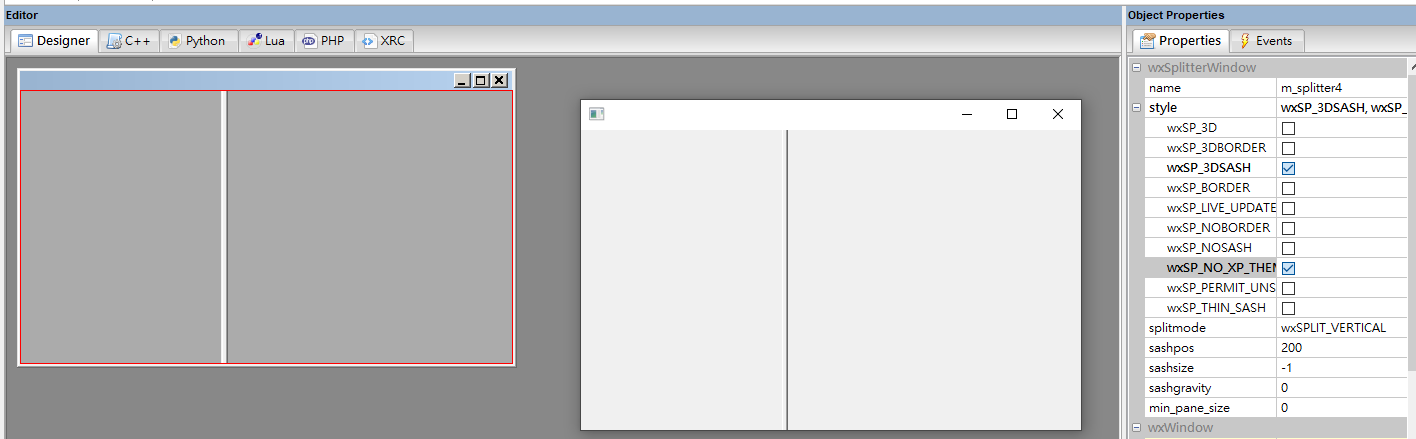
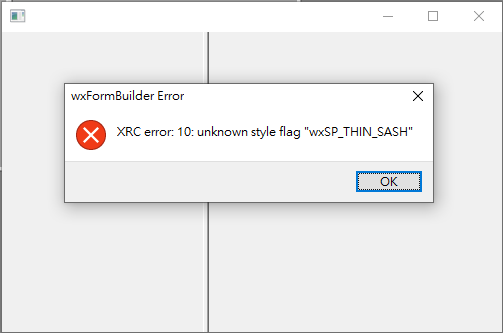
No matter what style(s) I enable, the sash is never visible. I’m using wxFormBuilder to create the UI. Everything works as expected, the only problem is the sash isn’t visible.
I can only embed one image, so I’ll add a screenshot in a reply.
Here’s the structure in wxFormBuilder:
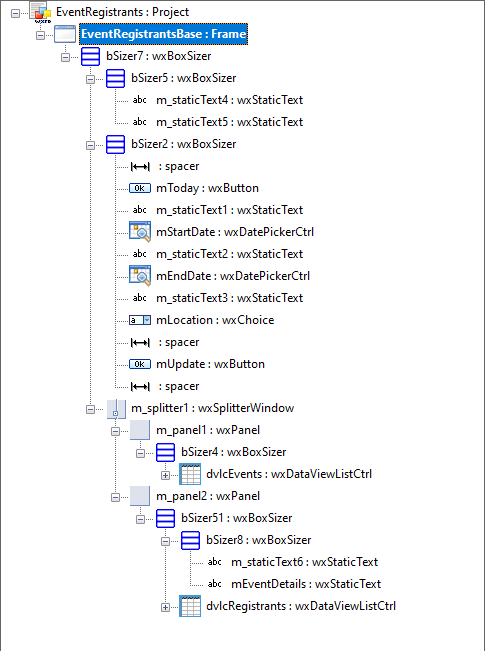
And all mentions of the Splitter in the generated Frame code:
        self.m_splitter1 = wx.SplitterWindow( self, wx.ID_ANY, wx.DefaultPosition, wx.DefaultSize, wx.SP_3D|wx.SP_THIN_SASH )
        self.m_splitter1.SetSashGravity( 0.5 )
        self.m_splitter1.Bind( wx.EVT_IDLE, self.m_splitter1OnIdle )
        self.m_splitter1.SetMinimumPaneSize( 50 )
...
        self.m_panel1 = wx.Panel( self.m_splitter1, wx.ID_ANY, wx.DefaultPosition, wx.DefaultSize, wx.TAB_TRAVERSAL )
...
        self.m_panel2 = wx.Panel( self.m_splitter1, wx.ID_ANY, wx.DefaultPosition, wx.DefaultSize, wx.TAB_TRAVERSAL )
...
        self.m_splitter1.SplitHorizontally( self.m_panel1, self.m_panel2, 0 )
        bSizer7.Add( self.m_splitter1, 1, wx.EXPAND, 5 )
...
    def m_splitter1OnIdle( self, event ):
        self.m_splitter1.SetSashPosition( 0 )
        self.m_splitter1.Unbind( wx.EVT_IDLE )
Any suggestions on how to get the sash to be visible?